IRO - incident Reporting Online
Saif IRO (Incident Reporting Online) is a comprehensive incident and operations management platform designed for organizations that require structured, secure, and hierarchical reporting workflows. The application centralizes incident reporting, announcements, maintenance issues, and lost-and-found tracking into a single system accessible across web, mobile, and desktop platforms.
The platform is built around a role-based permission model, ensuring users can only access features and report levels appropriate to their responsibilities. Incidents are categorized by severity levels, with built-in escalation workflows that reflect real-world organizational hierarchies. Supervisors and authorized personnel can review, escalate, and manage reports while maintaining full auditability.
Saif IRO also emphasizes secure information handling, offering protected media access, watermarking for traceability, and time-limited report sharing links for controlled external access. Advanced notification controls allow users to receive only relevant updates based on severity levels and personal preferences, ensuring critical incidents are never missed while minimizing unnecessary alerts.
Beyond incident reporting, the system supports internal communication through announcements, comments, and mentions, as well as operational workflows such as maintenance issue tracking and lost-and-found management. Together, these features make Saif IRO a robust, enterprise-ready solution for security, facilities, and operations teams.
Images
Application link
Please contact for a demo
Tech Stack Summary
Express jsfor backend api. (Previously.NET, Later migrated to nodejs).Postgresfor database andPrimsaas ORM. Repositories are extracted to interfaces for scalability.Nuxt jsfor frontend. (PreviouslyBlazor and Razor page, Later migrated )PWAsetup for mobile and desktop experience.pg-bossfor queue managements and task scheduling (emails and notifications). Uses postgress to store the jobs.server sent eventsfor real time notifications.Server workerforNative Notificationson android, IOS and Desktop.Nginxfor deployment ofVps Server
Application features
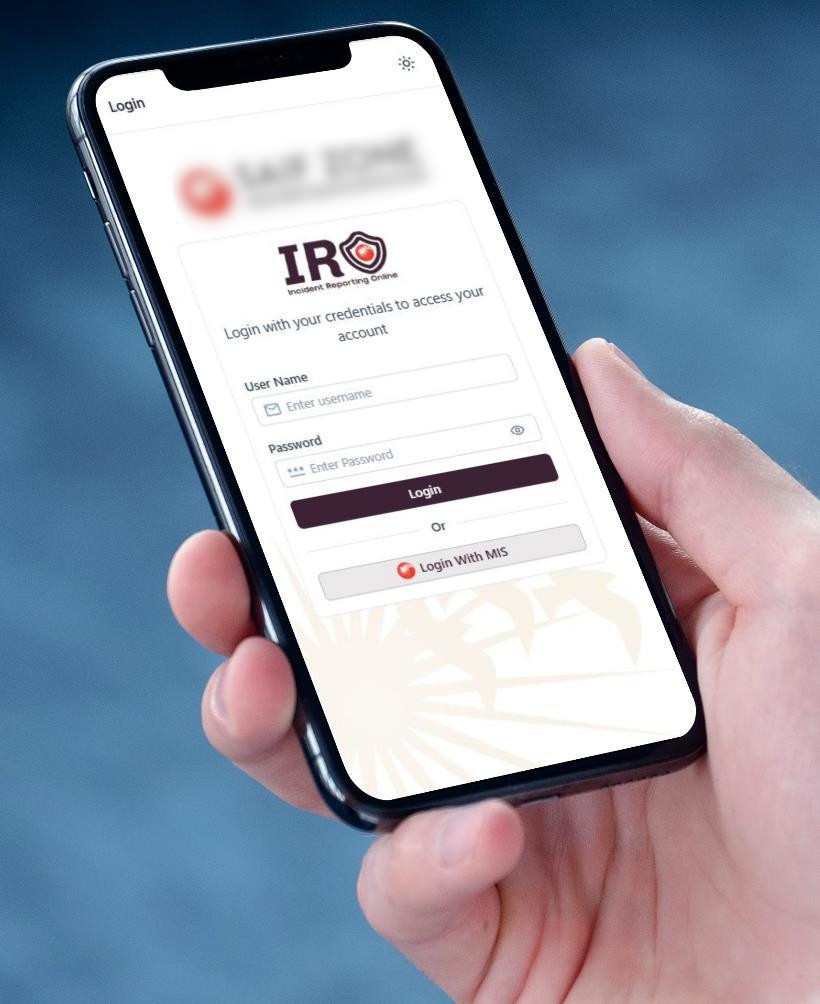
- Authentication (User logins and account management).
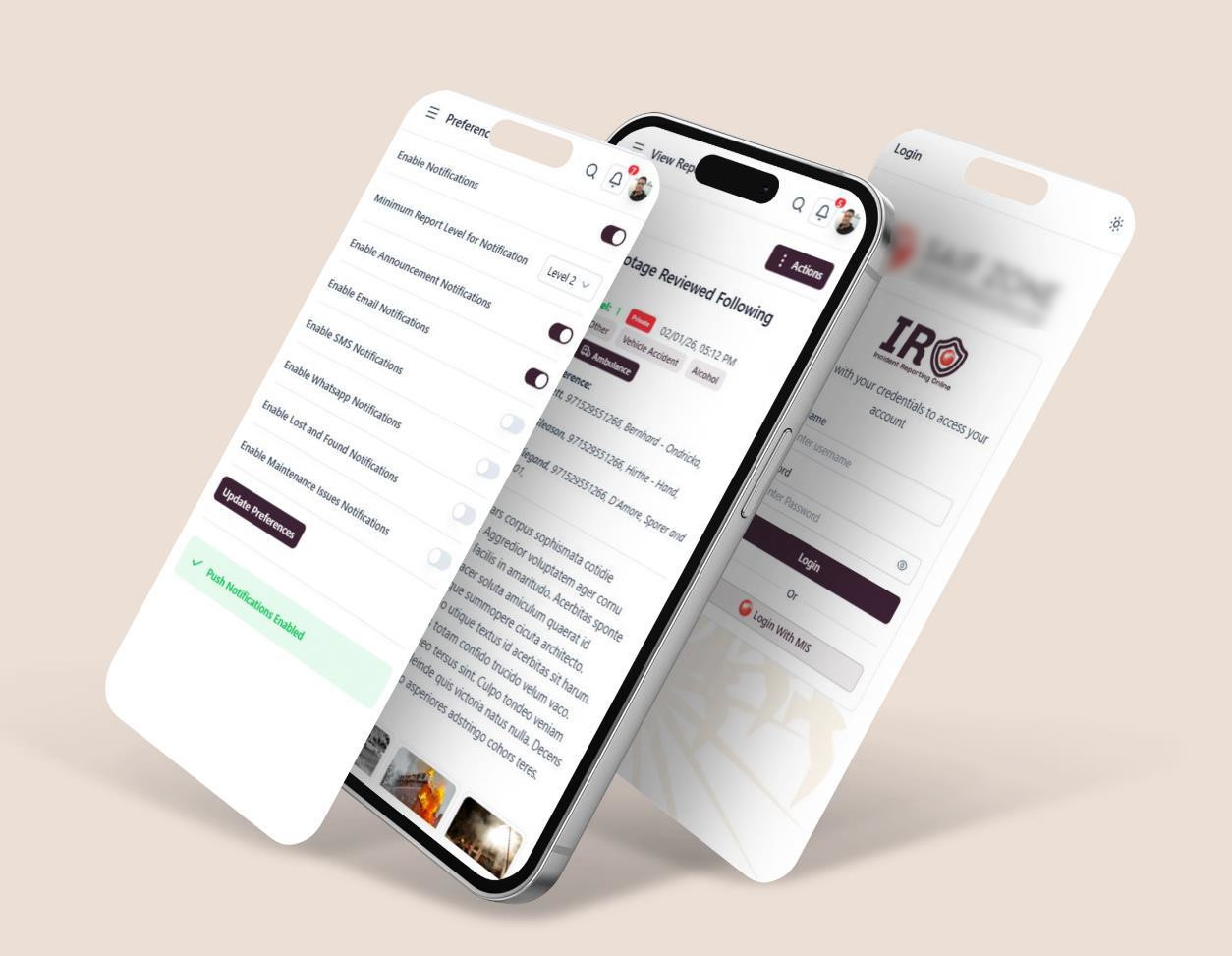
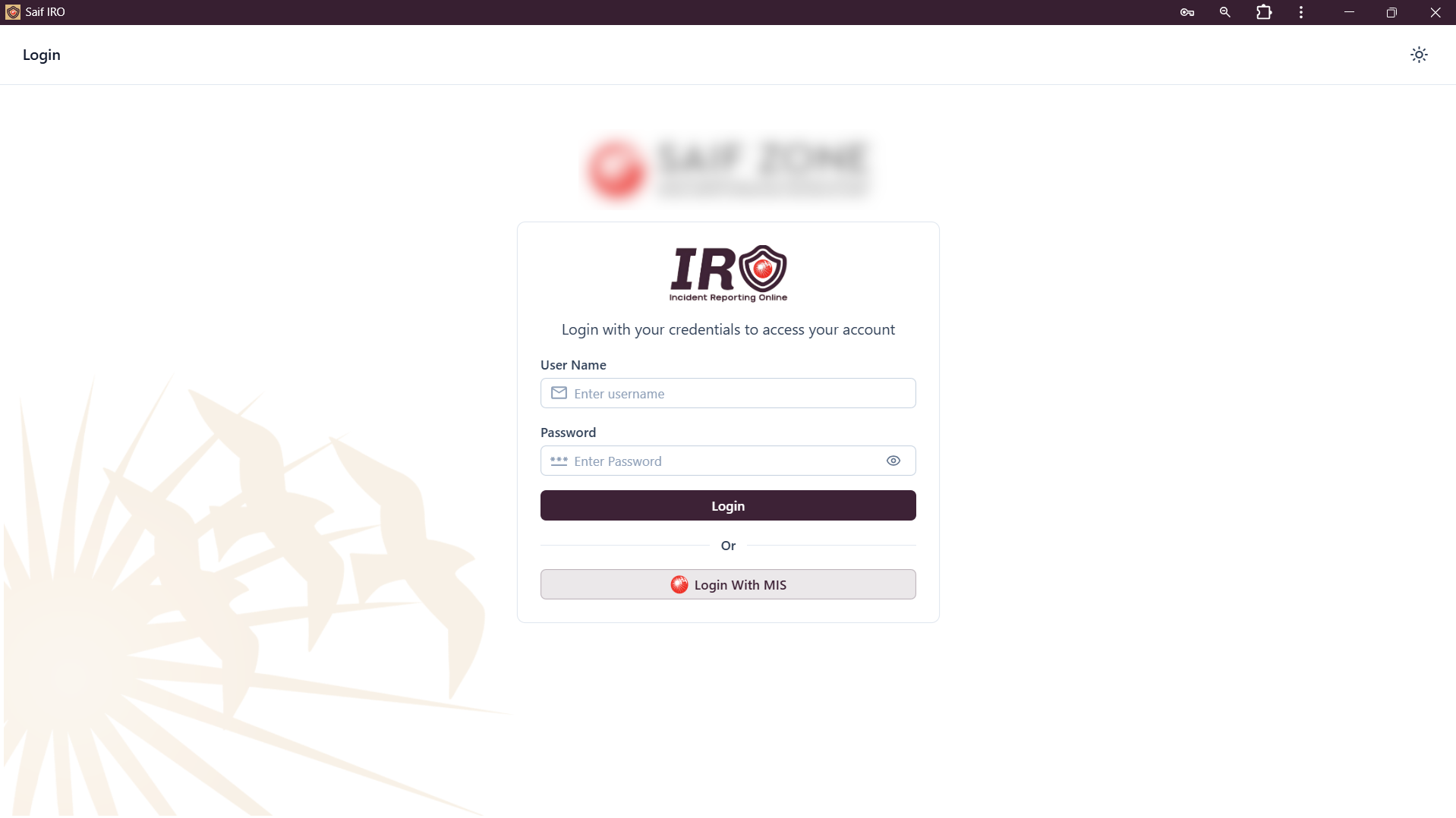
- Login with MIS (In development; MIS API required. This feature will allow users to log in using their existing MIS account, similar to Google login).
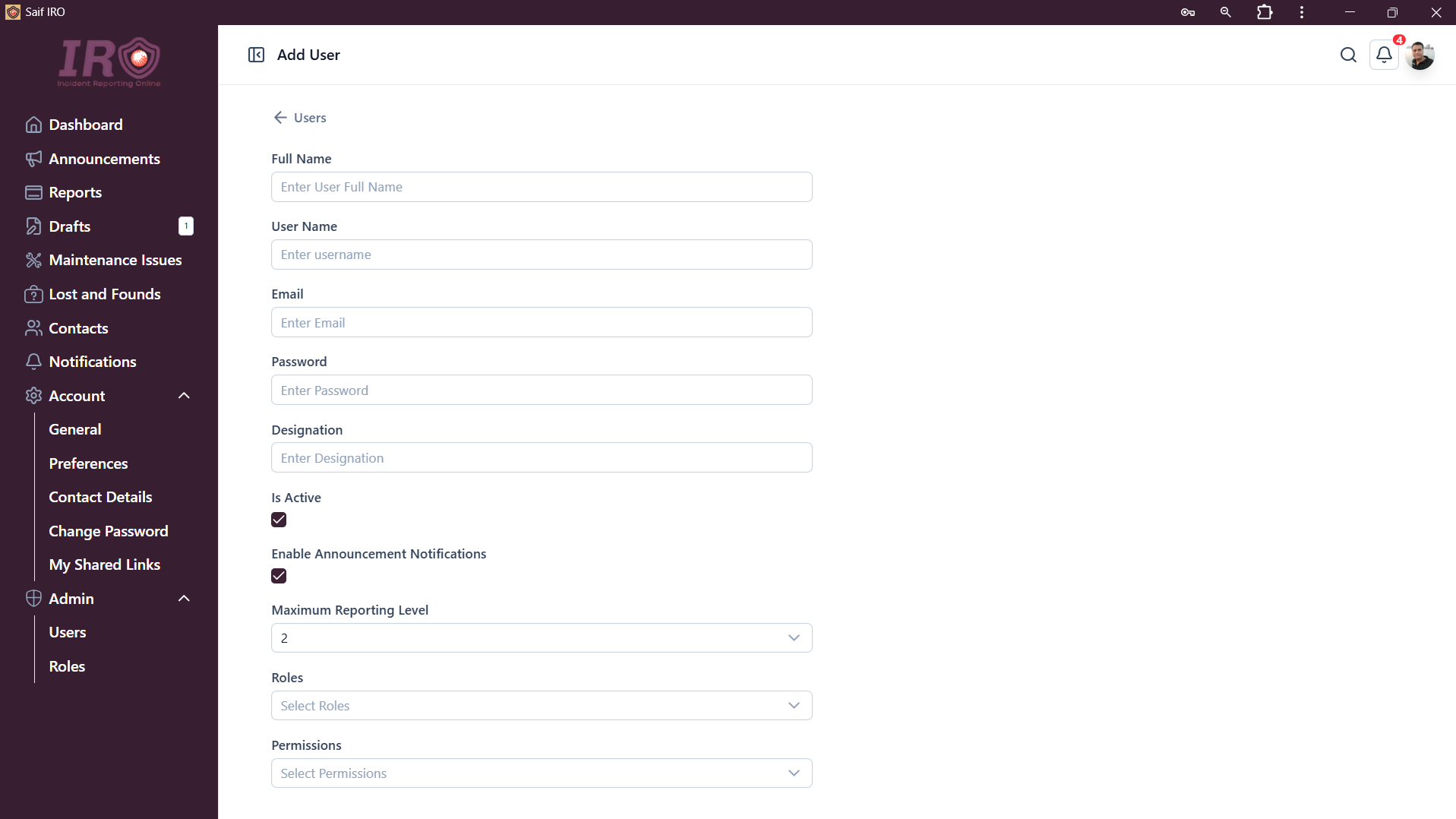
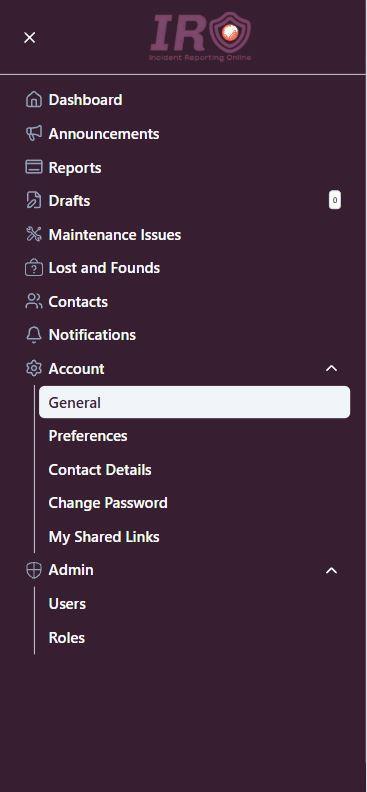
- User and role management.
- Assign permissions to roles and individual users.
- Feature access control based on assigned permissions.
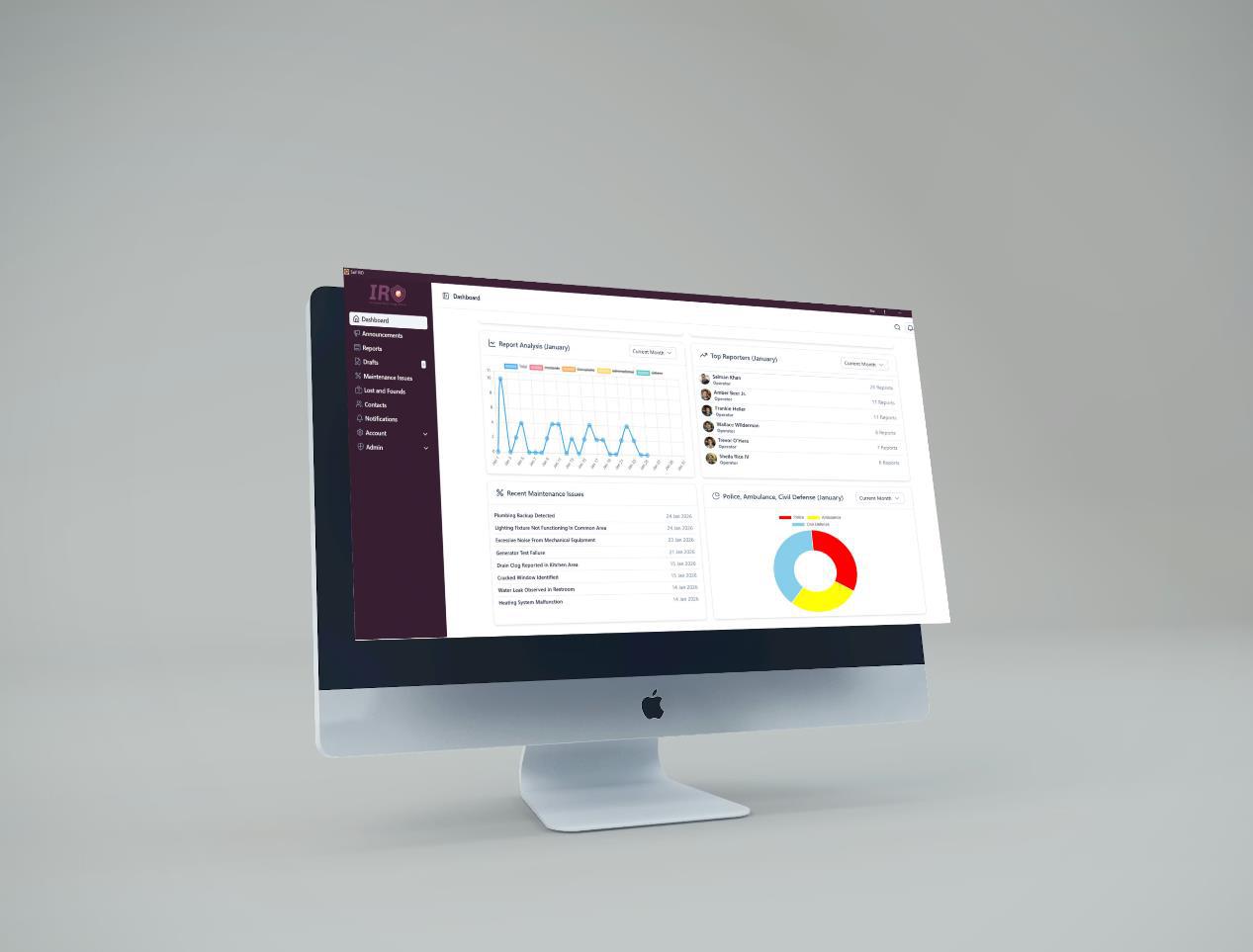
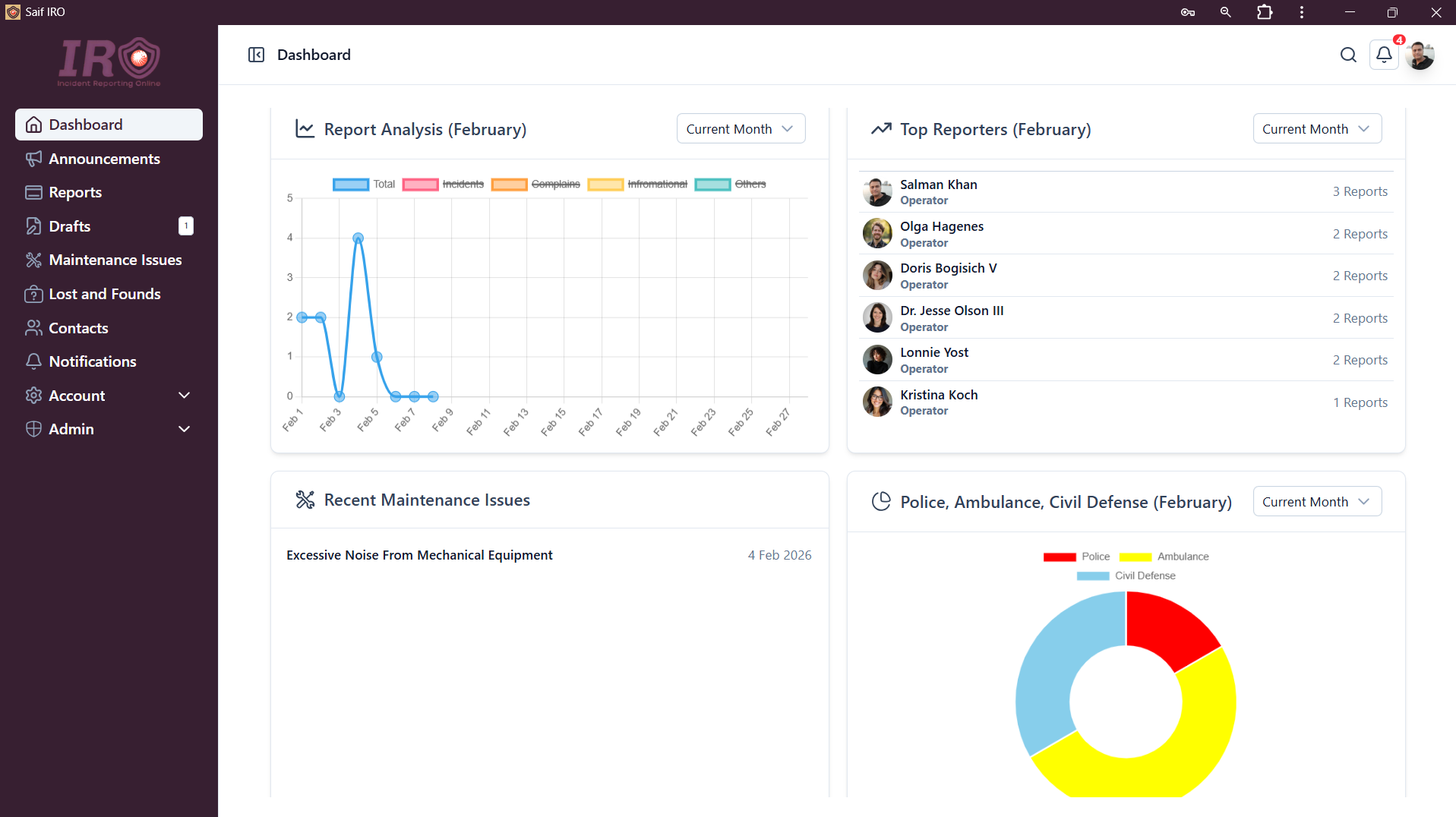
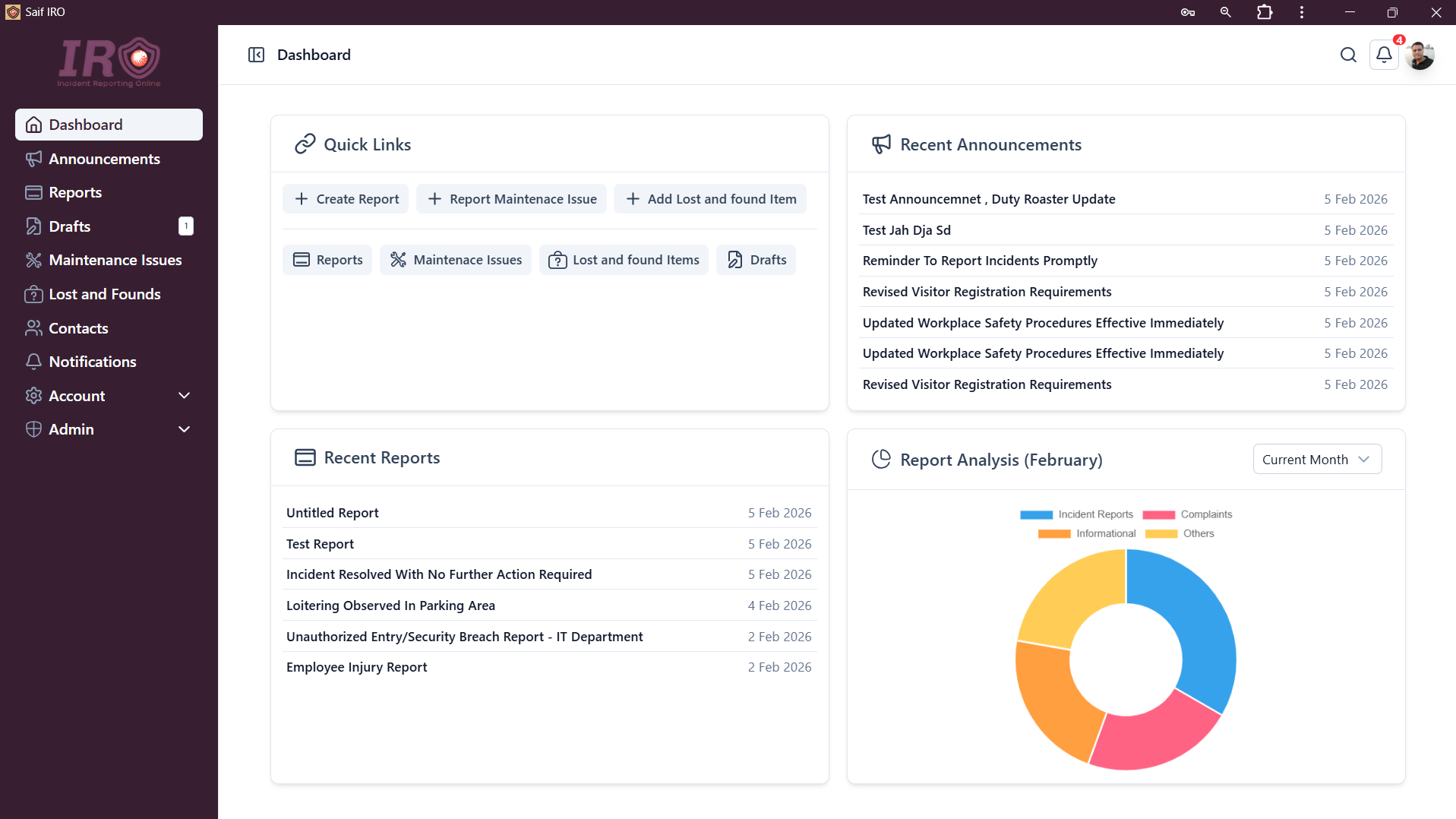
- Dashboard to visualize recent reports, report analytics, and more.
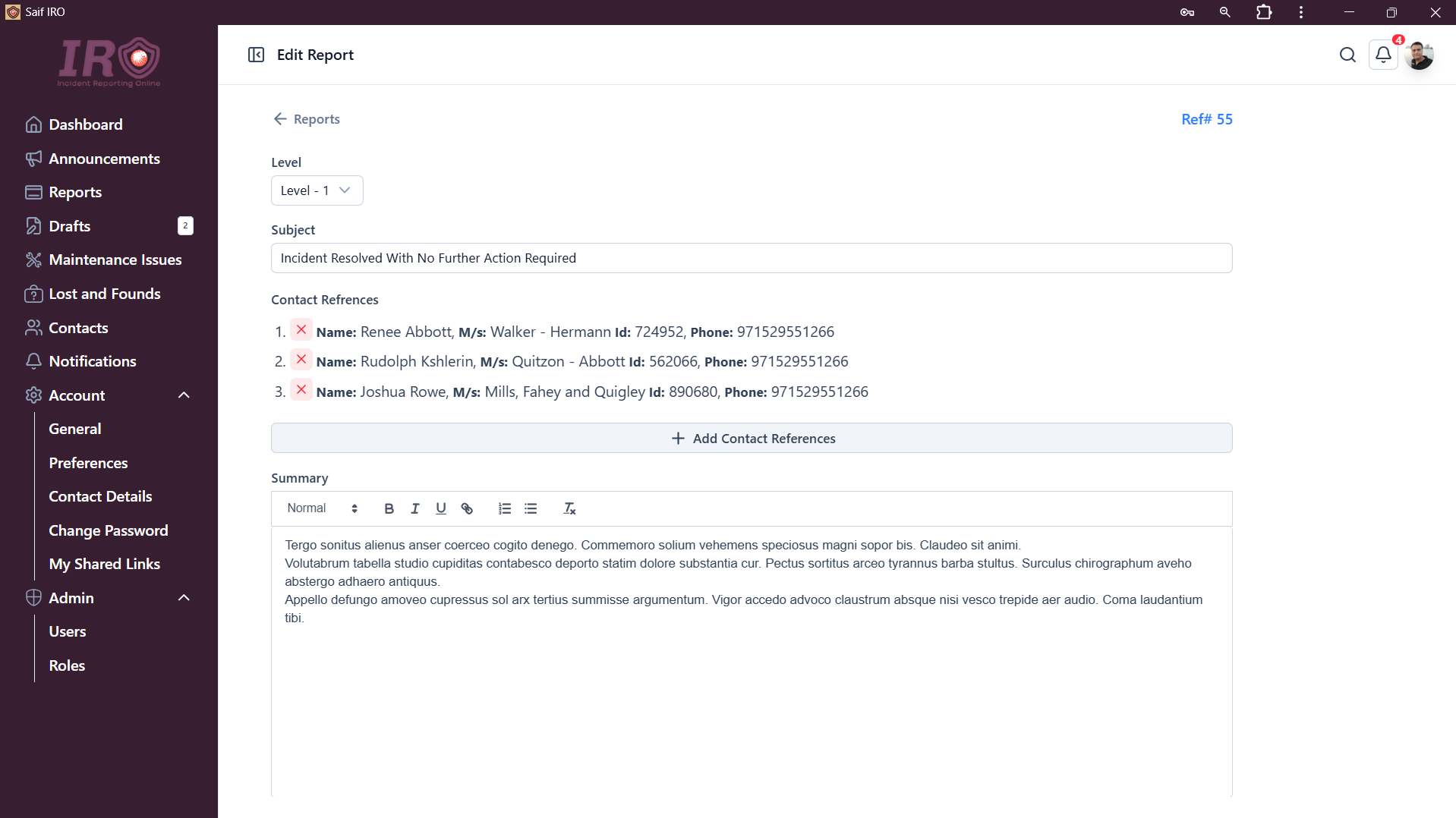
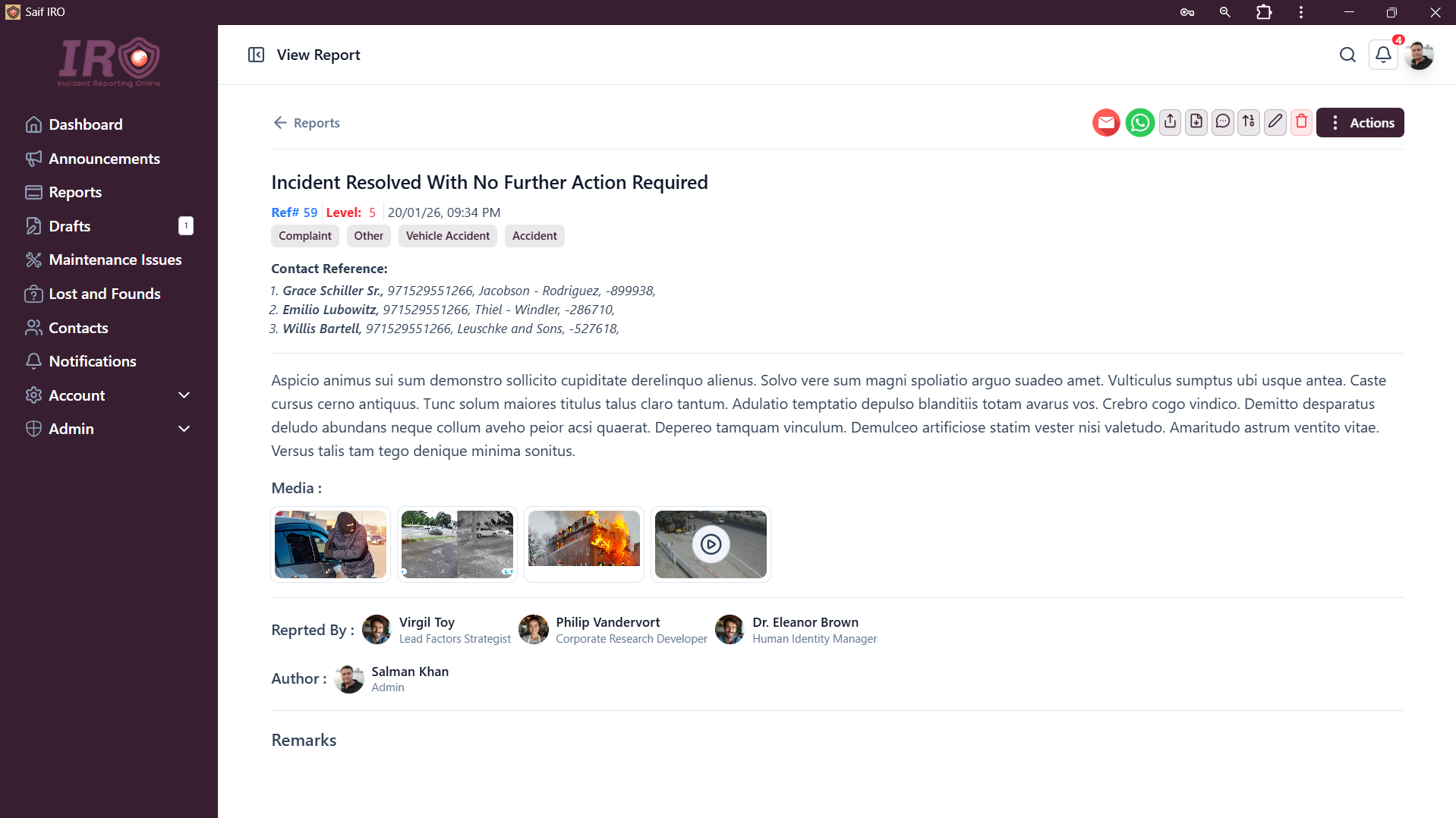
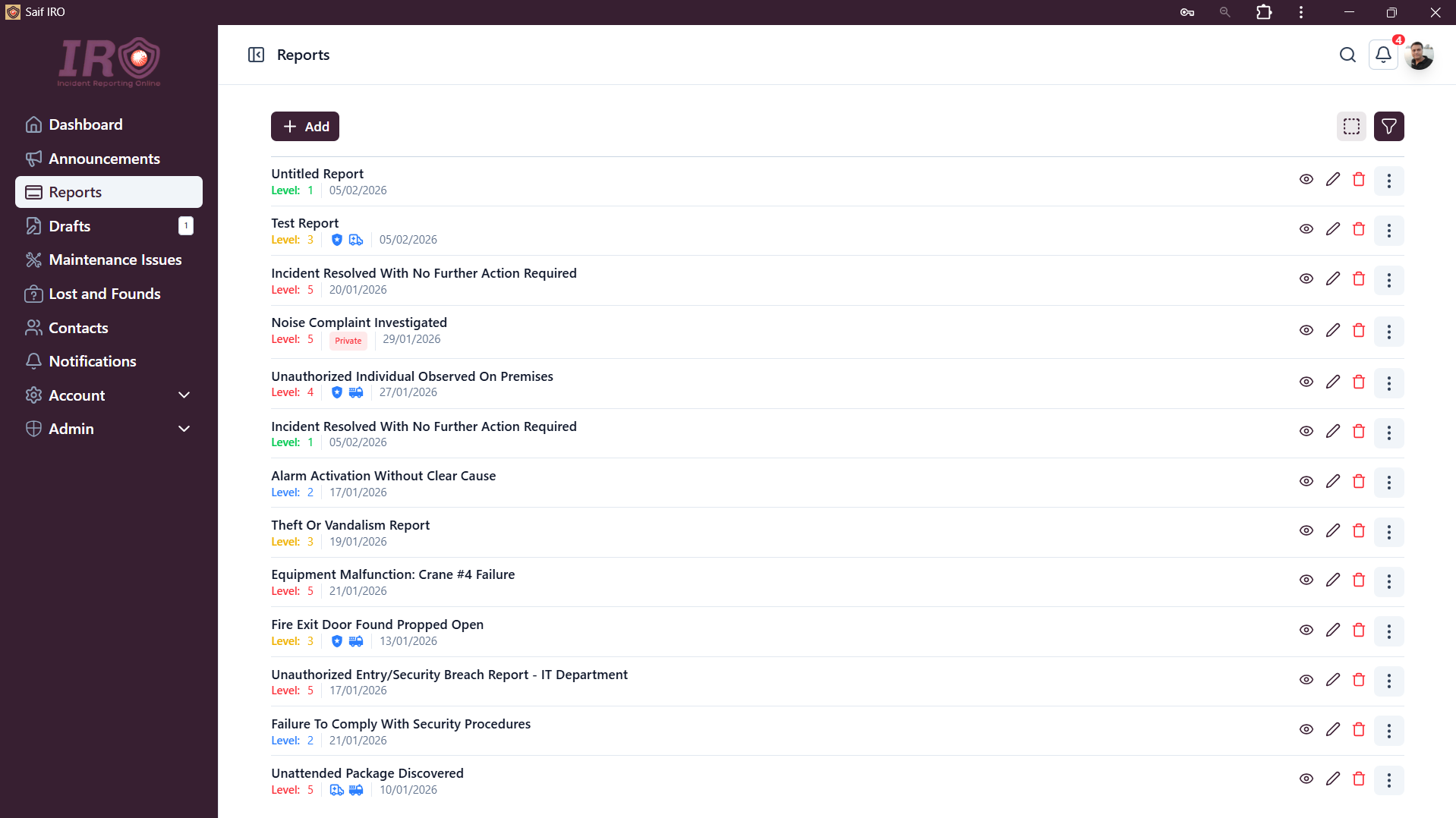
- Add reports with incident-based reporting levels (severity levels from 1–5; higher means more severe).
- Restrict users to report only up to their permitted reporting level (different users can have different reporting limits).
- Report escalation workflow (e.g., gate security submits a level 2 report—their maximum allowed. A supervisor reviews and escalates it to level 3. Only users with escalation permissions can escalate reports).
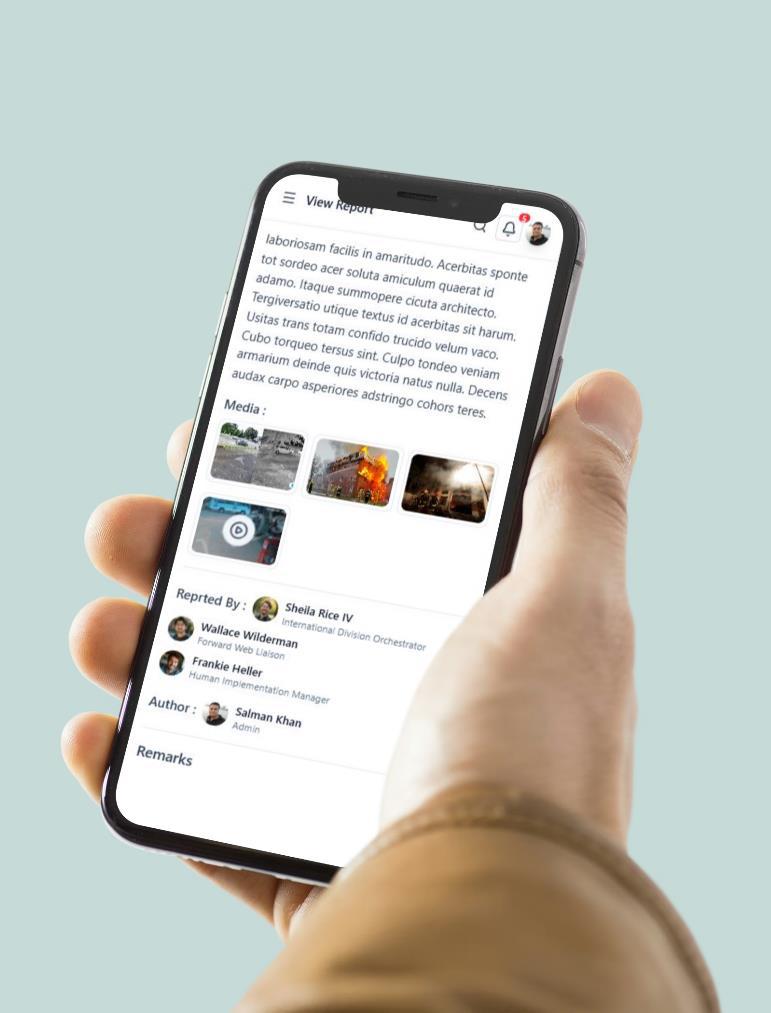
- Add remarks to reports.
- Download reports as PDF files.
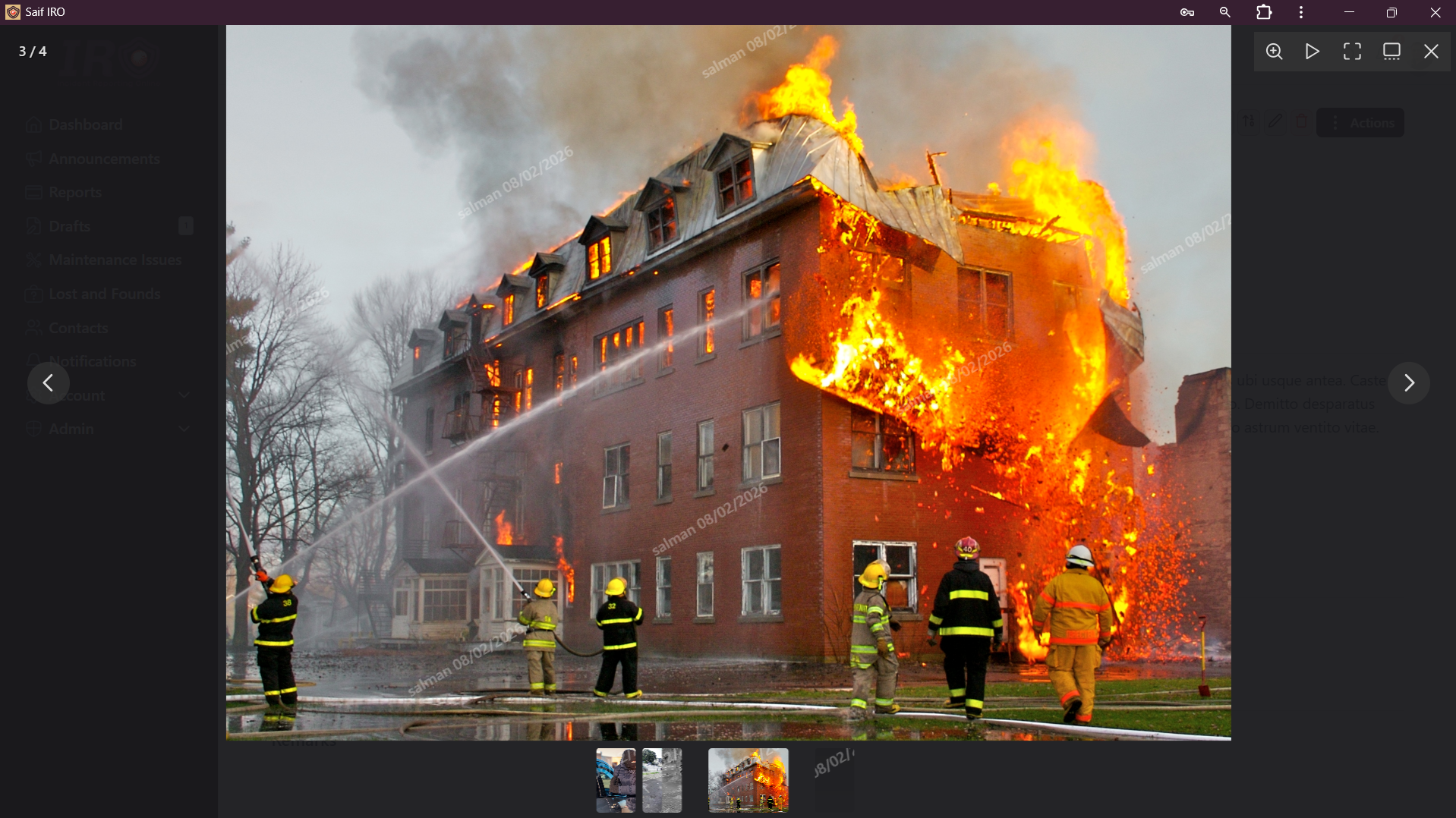
- Protected report media (images, videos, and documents). Only authorized users can view media attached to a report.
- Watermarking on images and videos (for tracking users who share media).
- Report share links. Authorized users can generate shareable links valid for a specific time period and choose whether media is included. Anyone with the link can view the report without logging in (similar to Rafid reports).
- Edit reports (requires report edit permission).
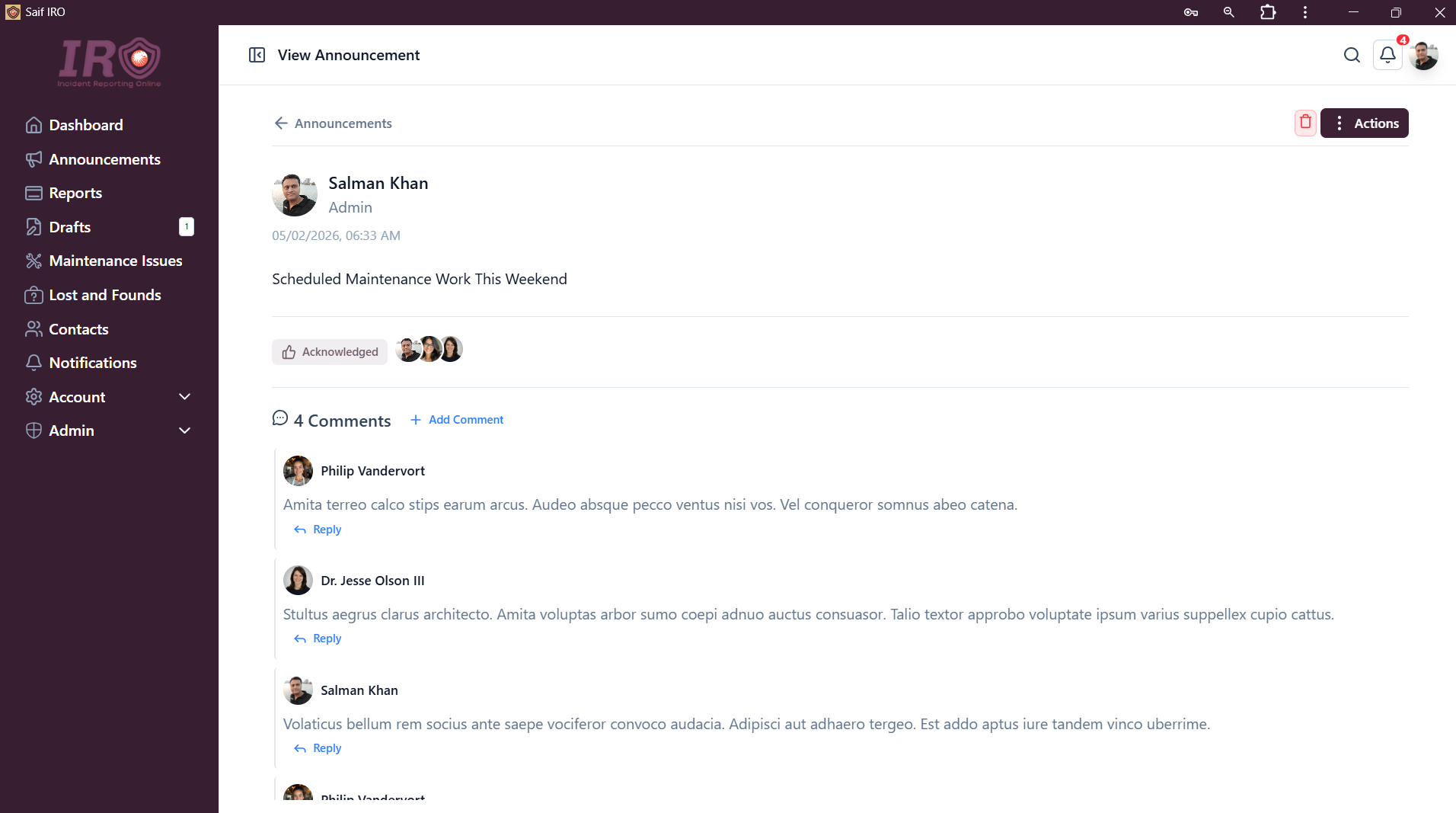
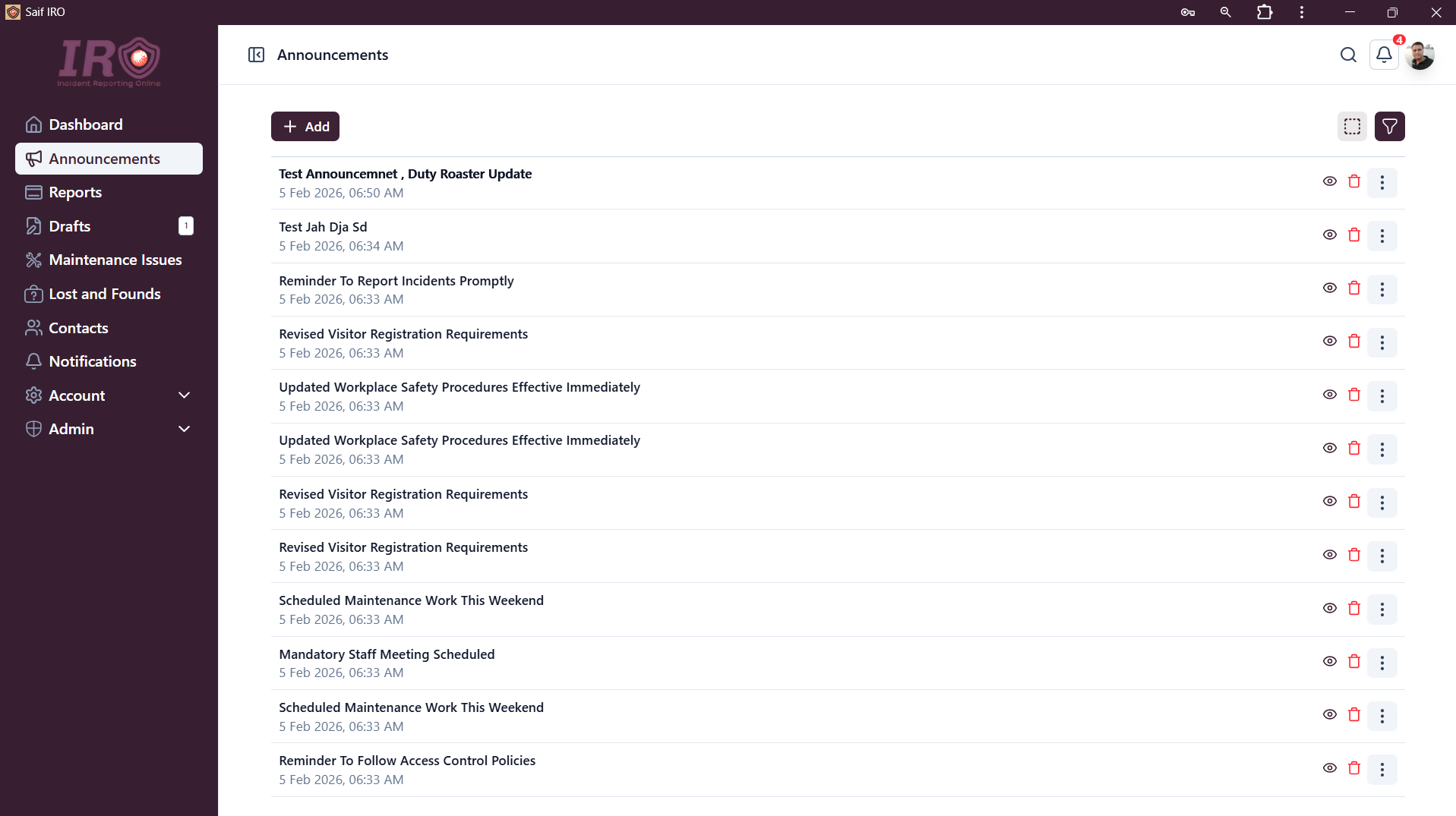
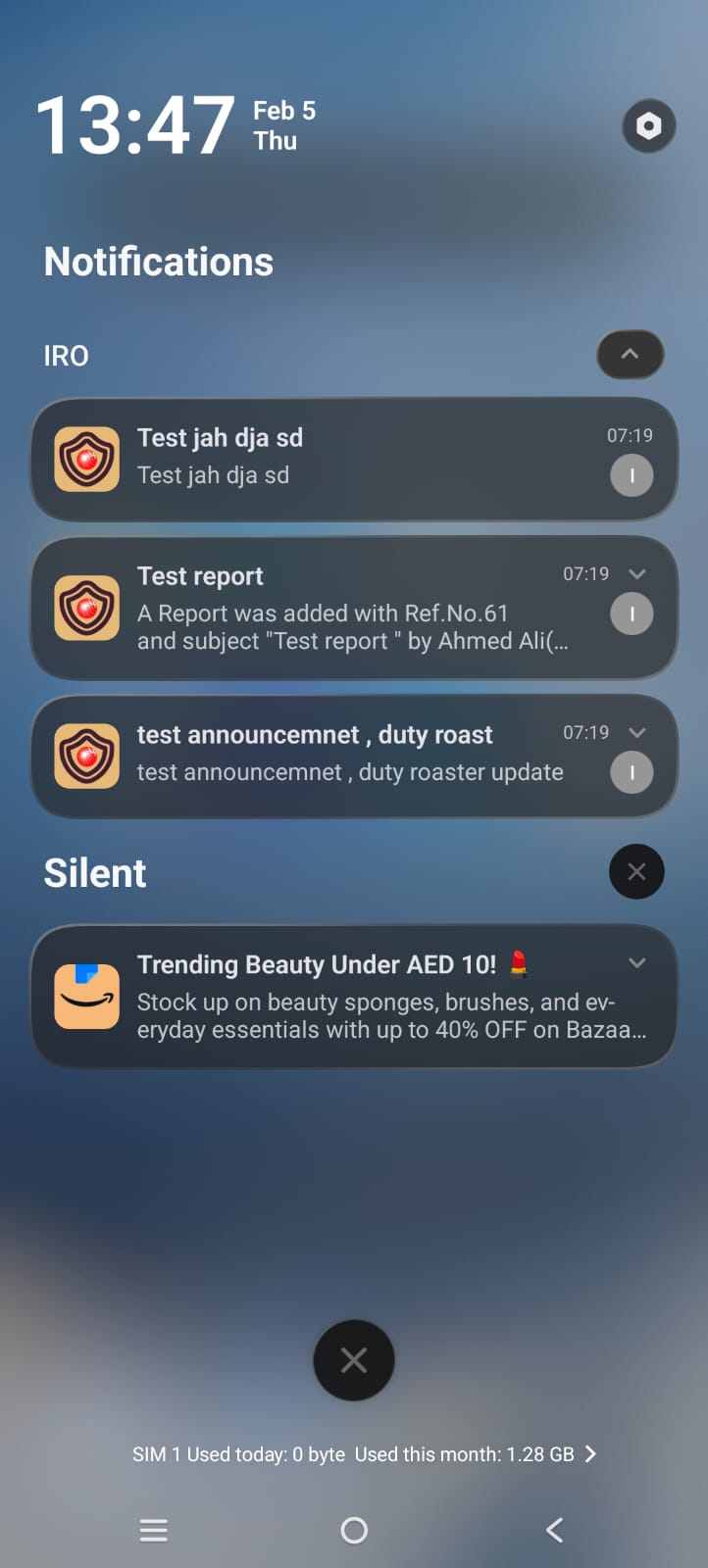
- Create announcements within the app. Eligible users receive notifications on mobile or desktop.
- Attach media and documents to announcements (e.g., “Please review the new duty roster attached and share your feedback”).
- Mention users in announcements.
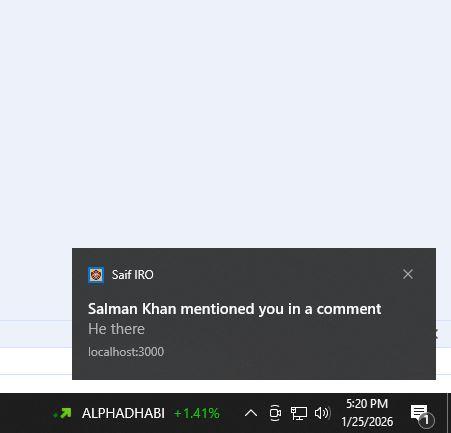
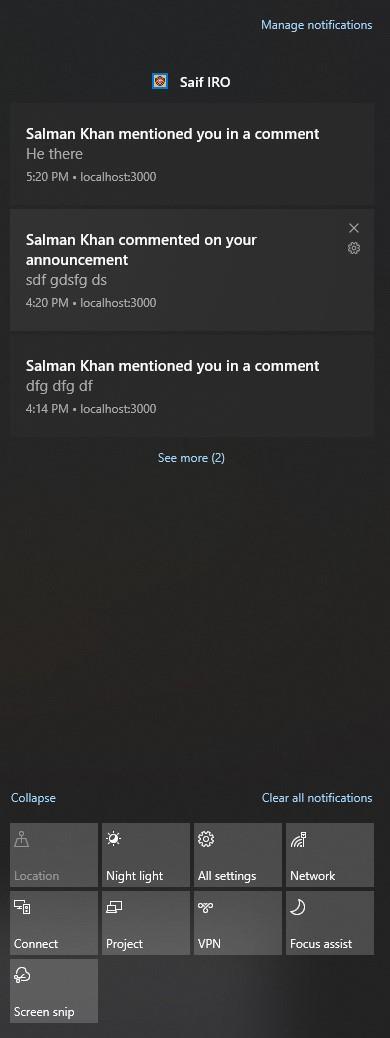
- Comment on announcements and mention other users. Notifications are sent to users’ devices.
- Reply to comments on announcements.
- Report maintenance issues and assign them to app users or external contacts (external contacts can be added to the system). The system forwards emails to the assigned recipients and generates a reference number for each maintenance report. Follow-ups can continue via the same email thread.
- Track maintenance reports with pending and completed statuses, making it easy to monitor all maintenance issues.
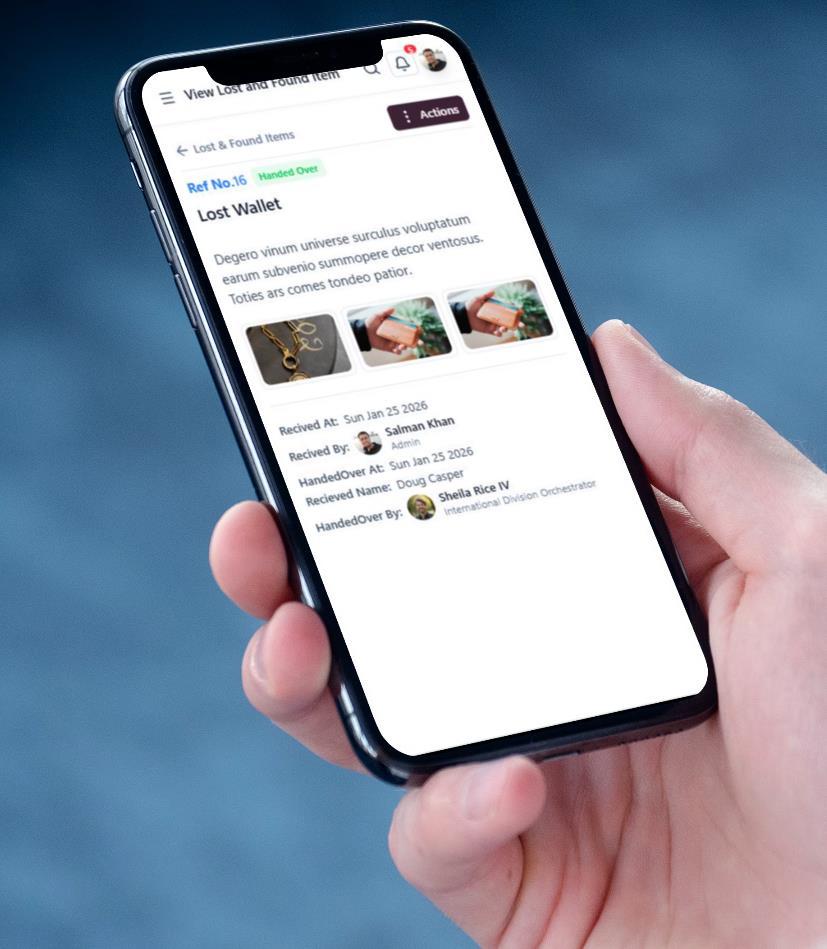
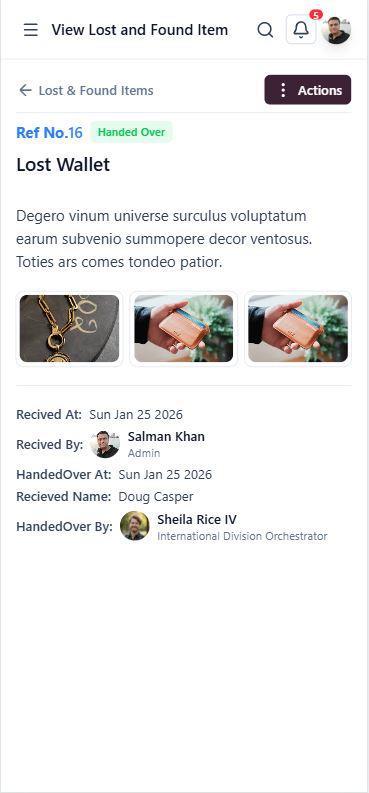
- Report lost and found items.
- Update lost and found status when an item is handed over to its owner. The app records who received the item, who handed it over, and to whom.
- Create draft reports. Users can save draft reports and submit them later or delete them if not needed (similar to Outlook draft emails).
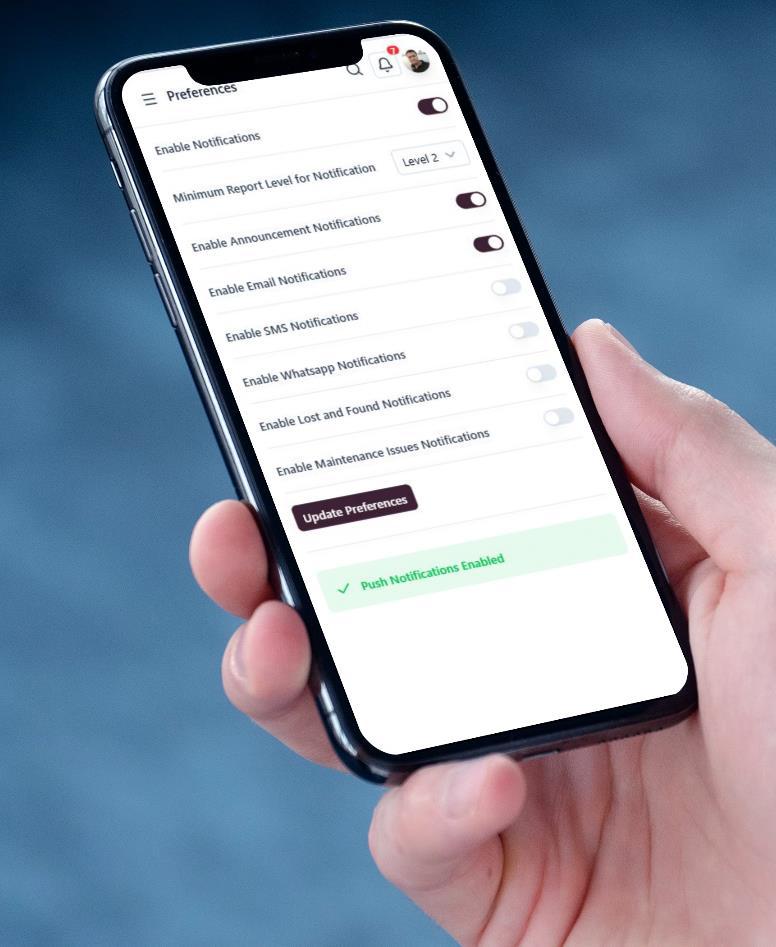
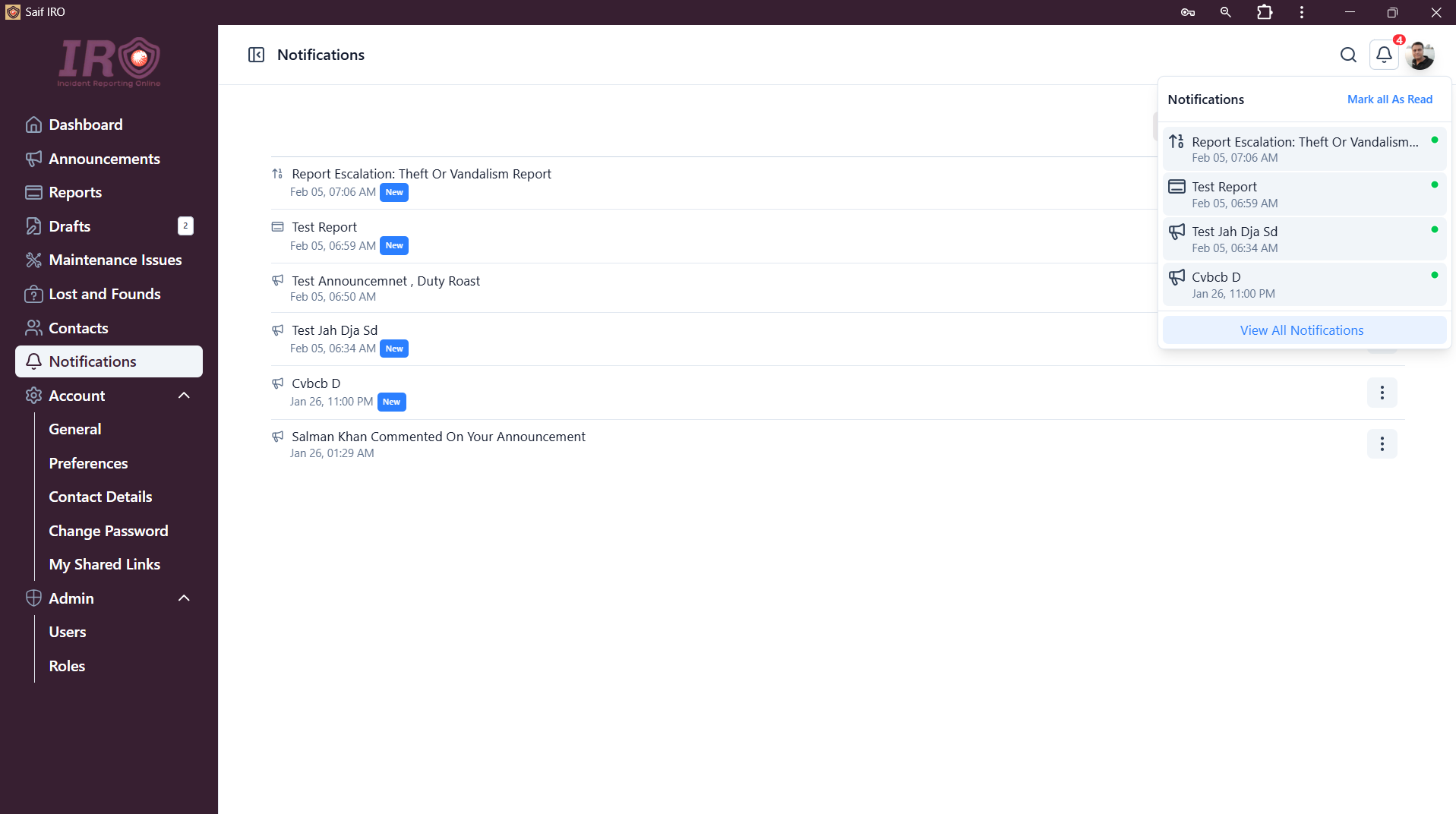
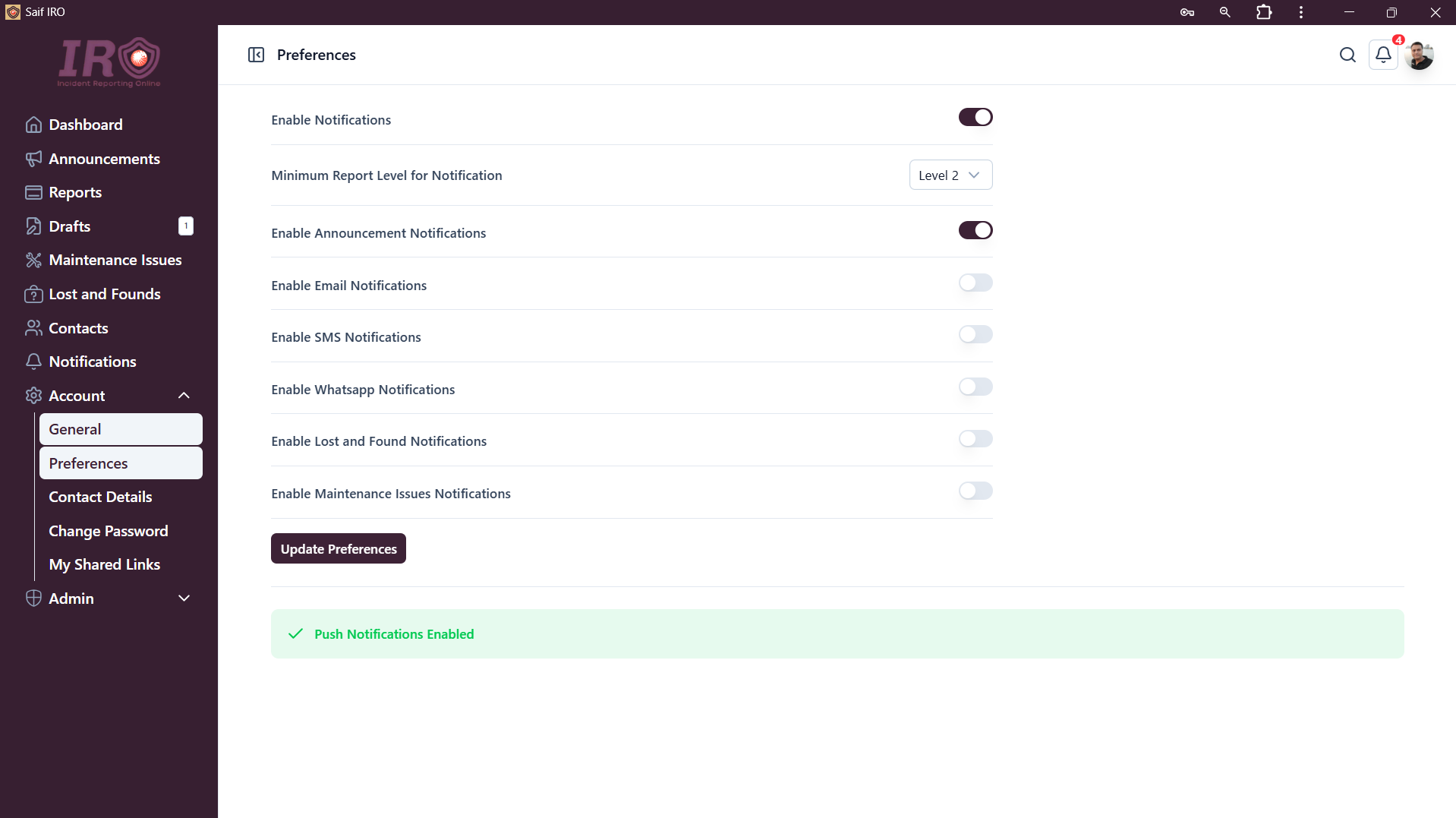
- Push notifications (real-time), in-app notifications, and email notifications (WhatsApp and SMS can also be added).
- Customizable notifications. Users can turn notifications off entirely (e.g., when on leave) or choose which types they want to receive.
- Notification filtering by report level. Users can set a minimum report level for receiving new report notifications. For example, if a user sets level 3, they will only receive notifications for level 3 and above.
- Notification example: A manager subscribed to level 3 notifications will not receive alerts for a level 1 report submitted by gate security. If a supervisor escalates it to level 2, the manager still receives no notification. When a security officer escalates it to level 3 (their maximum allowed), the manager finally receives the notification. This is fully customizable but demonstrates the intended reporting hierarchy.
- Users always receive important notifications via push (native Android, iOS, and desktop), with the option to also receive them by email.
- Account management, including preferences, contact details, profile picture, password changes, and more.