A Beginner's Guide to Using Awilix in Express
When your Express app grows, managing dependencies manually can get messy. Awilix is a lightweight Dependency Injection (DI) container that helps you organize and manage dependencies cleanly. In this article, we’ll build a small Express app using Awilix, TypeScript, and ES modules (ESM).
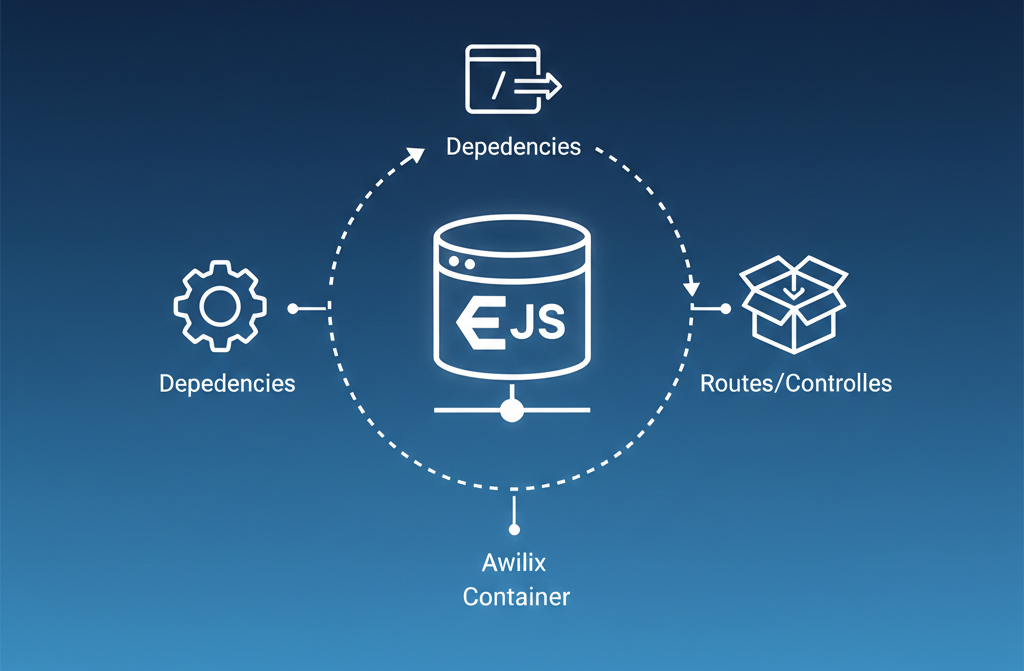
What is Awilix?
Awilix is a dependency injection container for JavaScript and TypeScript. It helps you:
- Decouple your code
- Make services easier to test
- Avoid tightly coupled imports
Instead of creating classes directly, Awilix resolves dependencies for you.
Project Setup
1. Install dependencies
npm install express awilix awilix-express
npm install -D typescript @types/express ts-node
Make sure your package.json uses ESM:
package.json
{
  "type": "module"
}
2. TypeScript configuration (tsconfig.json)
tsconfig.json
{
  "compilerOptions": {
    "target": "ES2022",
    "module": "NodeNext",
    "moduleResolution": "NodeNext",
    "outDir": "dist",
    "rootDir": "src",
    "strict": true,
    "esModuleInterop": true
  }
}
Creating a Service
Let’s start with a simple service.
src/services/UserService.ts
export class UserService {
  getUser() {
    return { id: 1, name: "John Doe" };
  }
}
Creating the Awilix Container
The container is where all dependencies are registered.
src/container.ts
import { createContainer, asClass } from "awilix";
import { UserService } from "./services/UserService.js";

export const container = createContainer();

container.register({
  userService: asClass(UserService).singleton(),
});
Creating a Controller
Controllers receive dependencies from Awilix instead of creating them directly.
src/controllers/UserController.ts
import { Request, Response } from "express";

export class UserController {
  constructor(private readonly userService: any) {}

  getUser(req: Request, res: Response) {
    const user = this.userService.getUser();
    res.json(user);
  }
}
Wiring Awilix with Express
Now we connect Awilix to Express using awilix-express.
src/app.ts
import express from "express";
import { scopePerRequest, loadControllers } from "awilix-express";
import { container } from "./container.js";

const app = express();

app.use(express.json());

// Create a new scope for each request
app.use(scopePerRequest(container));

// Automatically load controllers
app.use(
  loadControllers("controllers/*.ts", {
    cwd: "src",
  })
);

export default app;
Bootstrapping the Server
src/index.ts
import app from "./app.js";

const PORT = 3000;

app.listen(PORT, () => {
  console.log(`Server running on http://localhost:${PORT}`);
});
How Dependency Injection Works Here
- Awilix creates a container
- Services are registered in the container
- Each HTTP request gets its own scope
- Controllers automatically receive their dependencies
- Express stays clean and modular
Benefits of Using Awilix
- Cleaner architecture
- Easier testing and mocking
- Better separation of concerns
- Scales well for large apps